


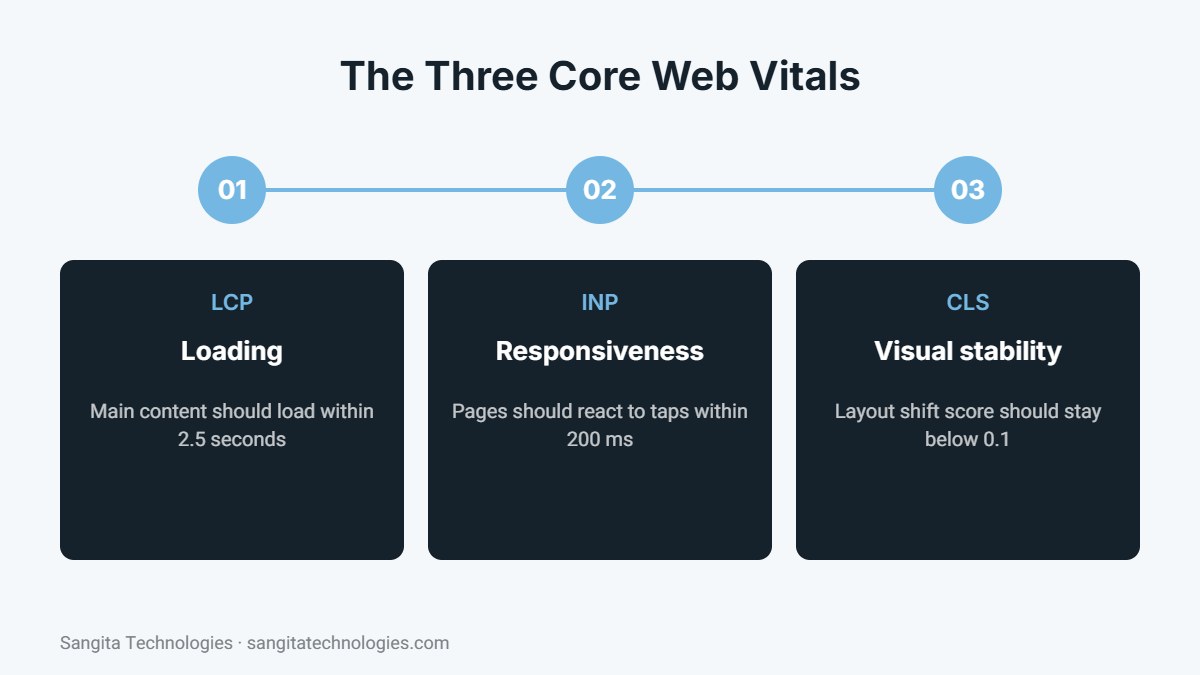
Short answer: Core Web Vitals are three metrics Google uses to measure real-world page experience: Largest Contentful Paint (LCP) for loading speed, Interaction to Next Paint (INP) for responsiveness and Cumulative Layout Shift (CLS) for visual stability. Good scores are an LCP under 2.5 seconds, an INP under 200 milliseconds and a CLS below 0.1.
Website speed affects much more than patience. Slow pages lose visitors, reduce enquiries and make advertising less effective, and Google considers page experience when ranking websites. Core Web Vitals give you a clear, measurable way to understand how fast and smooth your website feels to real users. This guide explains each metric in simple terms and shows how to improve them.
What are Core Web Vitals?
Core Web Vitals are part of Google’s page experience signals. They are measured using data from real Chrome users visiting your website, which means they reflect what your customers actually experience on their own devices and networks, not just a test in perfect conditions.
Largest Contentful Paint (LCP)
LCP measures how long it takes for the largest visible element on the page, such as a hero image, banner or main heading, to load. Google recommends an LCP of 2.5 seconds or less.
Common causes of slow LCP
- Large, uncompressed banner images or background videos.
- Slow server response time from low-quality hosting.
- CSS and JavaScript files that block the page from rendering.
- Lazy loading applied to the main above-the-fold image.
How to improve LCP
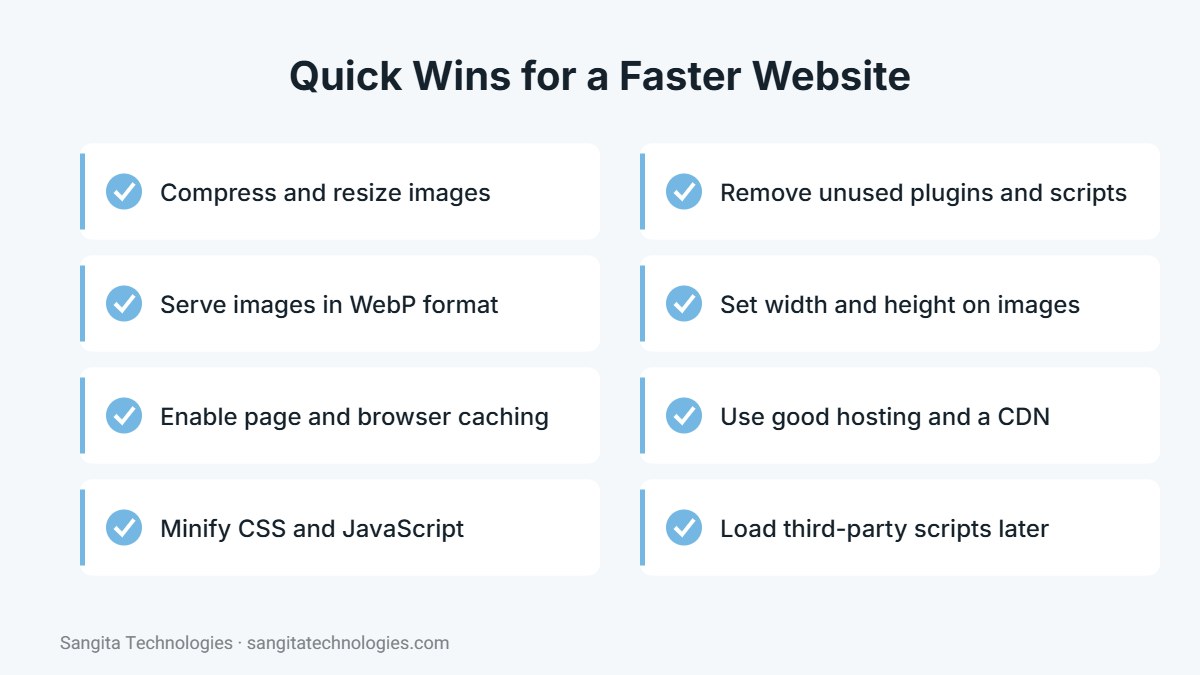
Compress and resize your hero image, serve it in WebP format, preload it, use page caching and a content delivery network, and choose reliable hosting. Avoid lazy loading the first image visitors see.
Interaction to Next Paint (INP)
INP measures how quickly the page responds when a user interacts with it, such as tapping a menu, clicking a button or typing in a form. Google recommends an INP of 200 milliseconds or less. INP replaced the older First Input Delay metric in 2024.
Common causes of poor INP
- Heavy JavaScript from page builders, sliders and animations.
- Too many third-party scripts, such as chat widgets and trackers.
- Long tasks that keep the browser busy.
How to improve INP
Remove plugins and scripts you do not need, delay non-essential third-party scripts until after the page loads, reduce complex animations and keep the number of elements on each page reasonable.
Cumulative Layout Shift (CLS)
CLS measures how much the page layout jumps around while loading. You have probably experienced it: you try to tap a button and the page shifts, so you tap something else. Google recommends a CLS score below 0.1.
Common causes of layout shift
- Images and videos without set width and height.
- Ads, banners or pop-ups that push content down.
- Web fonts that swap and change text size.
How to improve CLS
Always set dimensions for images and embeds, reserve space for banners and ads, and load fonts in a way that keeps text size stable.
How to check your Core Web Vitals
- Google PageSpeed Insights: enter any URL to see real-user data and lab tests with specific recommendations.
- Google Search Console: the Core Web Vitals report groups pages with similar issues across your whole website.
- Chrome DevTools Lighthouse: useful for testing changes during development.
Quick wins for most websites
WordPress and Elementor tips
WordPress sites built with page builders can perform very well with the right setup. Use a caching plugin such as LiteSpeed Cache, enable CSS and JavaScript minification, optimize images automatically, disable Elementor features and widgets you do not use, and avoid stacking several add-on plugins that load their own scripts on every page.
Why speed is a business issue
A faster website keeps more visitors on the page, improves conversion rates and makes each rupee of advertising spend work harder, because more people who click your ads actually see your offer. It also gives your SEO work a stronger foundation.
A simple speed improvement plan
You do not need to fix everything at once. Work through speed improvements in order of impact.
- Measure first: test your homepage and top service pages in PageSpeed Insights and note LCP, INP and CLS.
- Fix images: compress, resize and convert large images, especially banners and sliders.
- Enable caching: turn on page caching and browser caching through your host or a caching plugin.
- Reduce scripts: remove unused plugins, disable features you do not need and delay third-party scripts.
- Stabilise layout: set image dimensions and reserve space for banners to reduce layout shift.
- Review hosting: if server response time stays slow after these fixes, consider better hosting.
- Retest and monitor: check results again and watch the Core Web Vitals report in Search Console over the next month.
Mobile first
Most visitors, especially from Google and social media, arrive on mobile phones, often on slower connections than office Wi-Fi. Always test on mobile, and remember that a page that feels fast on your desktop may still be slow for customers on the move. Designing for mobile first usually improves the experience for everyone.
Conclusion
Core Web Vitals turn “make the website faster” into clear, measurable goals. Check your scores, fix the biggest problems first, especially images, caching and unnecessary scripts, and monitor the results in Search Console over the following weeks.
Want a faster website? Sangita Technologies offers page speed optimization services in Jaipur. Call +91 97855 41763 for a free speed check.

Written by the Sangita Technologies team
Sangita Technologies is a digital marketing and web development agency in Jaipur, Rajasthan. Our team works hands-on with local and national businesses on SEO, local SEO, Google Ads, social media marketing, content writing, WordPress and e-commerce development, and shares practical lessons from that work on this blog.
Related services from Sangita Technologies
Sources and further reading
- web.dev: Web Vitals
- web.dev: Largest Contentful Paint (LCP)
- web.dev: Interaction to Next Paint (INP)
- web.dev: Cumulative Layout Shift (CLS)
Frequently Asked Questions
Do Core Web Vitals affect Google rankings?
Yes, they are part of Google page experience signals. However, relevant, helpful content remains more important, so speed should be improved alongside content, not instead of it.
Why are my PageSpeed scores different every time?
Lab scores vary with network and server conditions. Focus on the real-user field data and overall trends rather than a single test result.
How long until Search Console shows improvements?
Search Console uses data from the previous 28 days, so improvements usually take a few weeks to appear after you fix issues.